How to Print Landscape in Excel
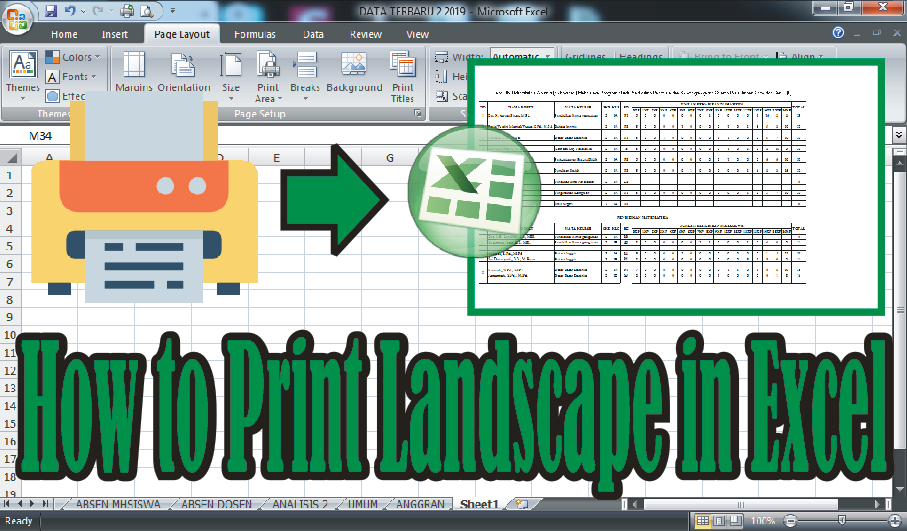
In general, people printing on Microsoft Excel use portrait orientation, but there are times when we use landscape orientation if our worksheet is elongated. How do you print in landscape orientation in Microsoft Excel? There are at least two ways to print in landscape orientation. The first way is before printing, change the page orientation first by selecting the page layout menu, then on the page setup select Orientation and select Landscape. Before printing, look at the print preview to see if the text that we are going to print in landscape is enough for one page, if not, make edits and print. More tutorials: How to Remove Page 1 Watermark in Excel How to Search for Duplicates in Excel Workbook How to Merge Cells in Microsoft Excel Mail Merging With Microsoft Excel and Word Excel to PDF Converter in Excel 2007 The second way is to set it on the print menu, if you use prints with the Canon brand, the method is very easy. First enter the print menu by pressing the Ctrl + P key on th...