How to Delete Text Box in Word
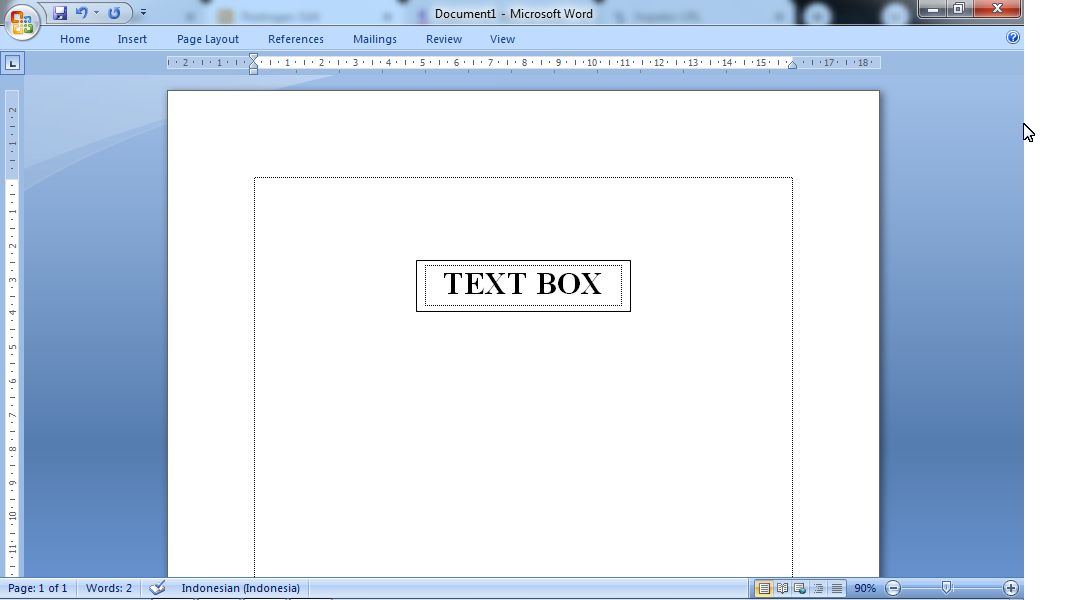
Well, as you know, text boxes are usually used to create a chart, whether it's a structural chart or something else. And usually we are wrong or mistaken in making it so we need to delete one or several existing text boxes. As for how to delete or remove text boxes in Microsoft Word, the method is very easy, friends. First, move the cursor to the outer line of the text box until the cursor changes shape, after that click, then press the Delete button on the keyboard on the laptop or on the computer. And automatically the text box or text box will disappear or be deleted. More Tutorials: How to Set Default Paper Size in Word How to Change Line Spacing to 1.5 in Word How to Set Paper Size in Word How to Remove Table Lines in Word Without Deleting Text How to Print 2 Pages 1 Paper in Word 2007 More Tutorials: How to Set Automatic Tabs to Indent Paragraphs When Entered How to Set A5 Paper Size in Word How to Rotate a Photo or Image in Microsoft Word How to Print 1 Image Into 2 Parts in...