How to Remove Red Underline in Word
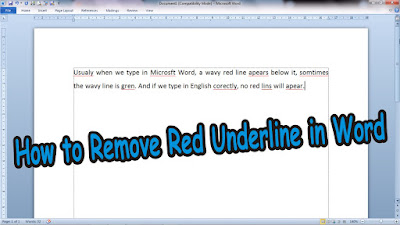
Usually when we type in Microsoft Word, a wavy red line appears below it, sometimes the wavy line is green. And if we type in English correctly, no red lines will appear. Now, to remove the line forever from the Word worksheet, the method is very easy. First of all friends enter " Word Options ", if in Word 2007 click " Office Button " then select " Option ", if in Word 2010 click "File" then select " Option ". After that, if you have entered " Word Options ", friends select " Proofing ". More Tutorials: How To Change Footnote Font in Word How to Put Page Number On Microsoft Word How to show Text Boundaries in Microsoft Word How to Show Vertical and Horizontal Ruler in Word Then in the " When correcting spelling and grammar in Word " section, uncheck the words " Check spelling as you type " then click " OK " to save the settings and automatically the wavy red line under the writing will ...