How to Display Notes on PowerPoint
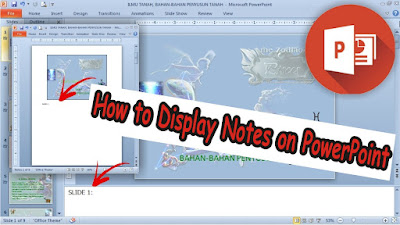
Usually we can see Notes in PowerPoint at the bottom of the display from Microsoft PowerPoint, we can also display Notes right below the Slide, and we can also display these Notes when printing PowerPoint Slides. Firstly, if the Note disappears at the bottom of the PowerPoint view it is very easy to bring it back up. The trick is you point the cursor at the bottom border of the PowerPoint until the cursor changes to an up and down arrow, then click and hold, then swipe up. Then the Note display will appear below the PowerPoint. More tutorials: How to Change Slide Order in PowerPoint How to Change Character Spacing in PowerPoint How to Remove a Page Number From PowerPoint How to Delete a Slide in PowerPoint To display Notes right at the bottom of the slide, you just change the slide view by going to the "View" menu, then changing from "Normal" view to "Notes Page" view. Automatically the display will change with a note that we can write notes right below th...