How to Copy Sheet to Another Excel File
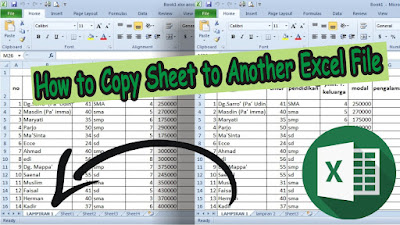
Well, there are times when we create a document in Excel, we also want to include Excel data contained in other files. Actually, we can definitely copy the data contained in the sheet in another Excel file to be included in the Excel file that we are creating, but the column and row settings will be disassembled or will not follow the settings in the previous file. So, the way to move an Excel sheet to another Excel file is very easy. First open the Excel file that we need for the sheet moving process, then right-click the mouse on the sheet that will be moved. More tutorials: How to Show Margins in Excel 2007 Print Preview How to Clear Print Area in Excel How to Open 2 Different Excel Files on 1 Screen How to Print 2 Pages on 1 Sheet in Excel 2010 How to Print Landscape in Excel Then select " Move or Copy ", then in the " To book " section, select the destination Excel file from the sheet you want to move. Then decide whether you want to move the sheet or just copy...