How to Remove Table Lines in Word Without Deleting Text
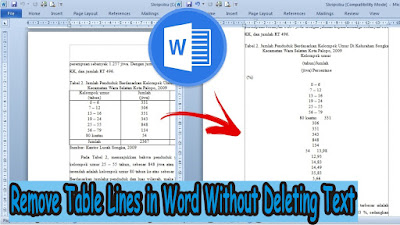
On this occasion, I again shared with all my friends a tutorial, which hopefully this tutorial can be useful. The title of this tutorial is how to quickly delete table lines in Word 2010 without removing text. Okay, let's get straight to it, as for the method, it's very easy. First prepare a table in advance, which later we will remove the lines and leave only the writing in the word document. After that, click on the table so that the " Table Tools " menu appears. More Tutorials: How to Rotate Text in Table in Microsoft Word How to Delete Table in Microsoft Word Mail Merging With Microsoft Excel and Word How to Remove Text Border in Word How to Change Tab Stops in Word In " Table Tools ", select " Layout ". Now in the " Data " section of " Layout" , click " Convert to Text ". Then a new window will appear " Convert Table to Text ", just click " OK ". So, the table will automatically disappear and o...