How to Divide Into 4 Microsoft Word
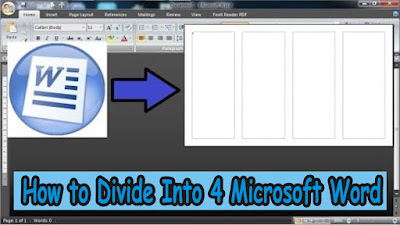
The way to divide a Microsoft Word worksheet into four parts is very easy. First of all open Microsoft Office Word which later we will divide the work paper into 4 columns. After that, select the " Page Layout " menu , then select " Columns " , and select " More Columns.. " for more advanced settings. After that a new window will appear in the form of advanced settings from " Columns ". In the " Number of columns " section , change it to 4. You can see changes to the number of columns or sections in the worksheet in " Preview " . Click " Line Between " if you want a dividing line between the existing columns. More Tutorials: How To Change Footnote Font in Word How to Put Page Number On Microsoft Word How to show Text Boundaries in Microsoft Word How to Show Vertical and Horizontal Ruler in Word After everything is in order, just click " OK " to save the settings. Well, now the Microsoft Word worksheet has b...