How to Hide Scrollbar But Still Scroll
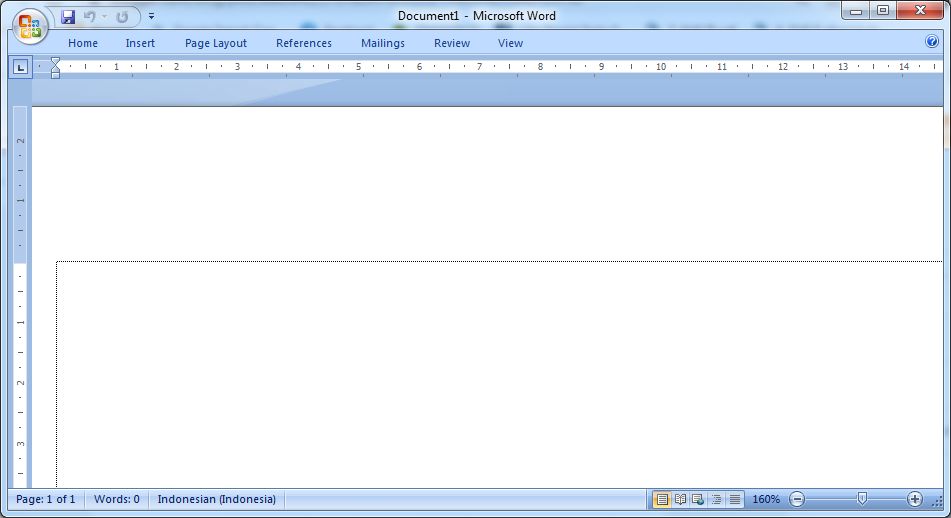
On a Microsoft Word worksheet, we usually see a scroll bar on the right side and at the bottom of the word worksheet, or in cool language it is called a vertical scroll bar and a horizontal scroll bar. Well, it turns out we can hide it, and the method is very easy. First of all go to the file menu, then select Options, after that a new window will appear, namely word options. Then friends select Advanced, look for the display section then uncheck the Show horizontal scroll bar and Show vertical scroll bar . Click OK to save the settings and see the result. Automatically the scroll bars on the right and below will disappear. More Tutorials: How to Set Password for Word Document 2007 How to Divide Into 4 Microsoft Word How to Remove Red Underline in Word How to Insert 2 Tables Side by Side in Word How to Copy Table in Word More Tutorials: How to Make a Check Mark In a Box in Word How to Write the Degree Symbol in Word How to set automatic capital letters at the beginning of sentences in ...