How to Print Certain Slides in PowerPoint
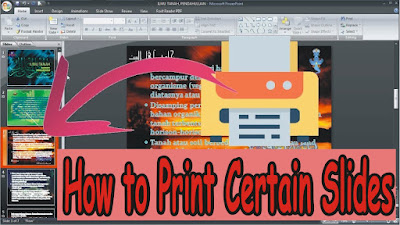
Sometimes when we are going to print in Microsoft PowerPoint we don't want to print all the slides in the PowerPoint, we only want to print certain slides. Maybe there are still friends who don't know how, keep reading this post until it's finished. The way to print certain slides in Microsoft PowerPoint is very easy. First open the PowerPoint file that will be printed, then enter the " Print " menu by pressing the Ctrl and P keys simultaneously on the keyboard. More tutorials: How to Change Slide Order in PowerPoint How to Change Character Spacing in PowerPoint How to Remove a Page Number From PowerPoint How to Delete a Slide in PowerPoint After that, in the " Print Range " section, you can select " Current Slide " if you want to print 1 slide you want, and select " Slides " if you want to print certain slides by entering the number of the slide you want to print. (Example: 1;3;5-12). After that click " OK " to proceed to ...