Posts

How to Print Landscape in PowerPoint

Image
The landscape shape is one of the two page shapes that are selected when printing. This landscape shape is elongated sideways or horizontal. In general, when printing slides in PowerPoint, one page for several slides is printed, namely portrait or vertical. How to print or print landscape on powerpoint? The method is very easy. First of all open the Microsoft Office PowerPoint file which we will print in landscape or landscape form. After that go to the print menu by pressing Ctrl+P on the keyboard or click file then select print. More tutorials: How to Change Uppercase to Lowercase in PowerPoint How to Print 6 Slides on One Page in PowerPoint 2007 How to Autoplay Video in PowerPoint How to Hide Slide in PowerPoint To be able to print several slides on one page in landscape form, you must first change the print layout. Select notes page or outline. After that, change the orientation from portrait to landscape. Well, then select the number of slides that will be included on each page. T...
How to Print Landscape in Excel

Image
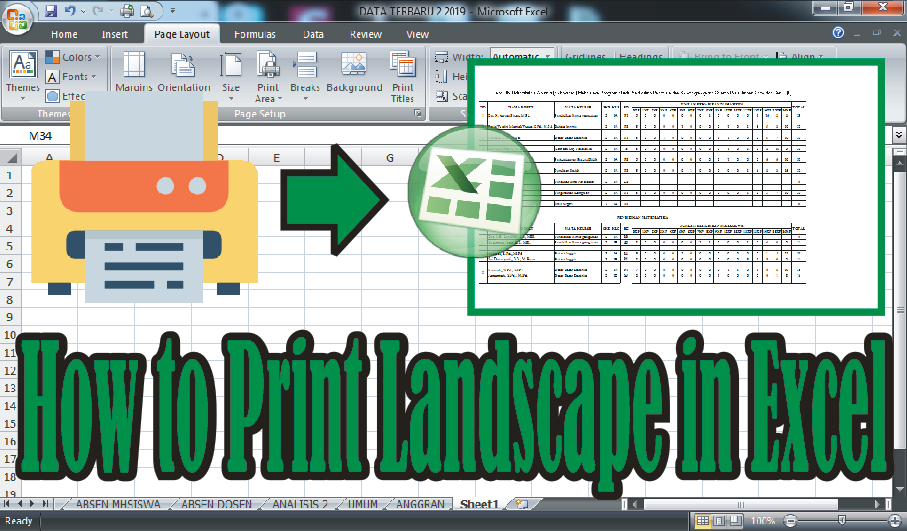
In general, people printing on Microsoft Excel use portrait orientation, but there are times when we use landscape orientation if our worksheet is elongated. How do you print in landscape orientation in Microsoft Excel? There are at least two ways to print in landscape orientation. The first way is before printing, change the page orientation first by selecting the page layout menu, then on the page setup select Orientation and select Landscape. Before printing, look at the print preview to see if the text that we are going to print in landscape is enough for one page, if not, make edits and print. More tutorials: How to Remove Page 1 Watermark in Excel How to Search for Duplicates in Excel Workbook How to Merge Cells in Microsoft Excel Mail Merging With Microsoft Excel and Word Excel to PDF Converter in Excel 2007 The second way is to set it on the print menu, if you use prints with the Canon brand, the method is very easy. First enter the print menu by pressing the Ctrl + P key on th...

How to Print PPT 4 Slides Per Page

Image
Microsoft PowerPoint is one of several Microsoft Office application packages that you can get when installing this application. PowerPoint is generally widely used by people to present their work and usually people also print it to be distributed to people who witness these percentages. How to Print PowerPoint 4 Slides at once on 1 Sheet of Paper is actually almost the same as How to Print PowerPoint 3 Slides at once on 1 Sheet of Paper, only a slight difference lies. More tutorials: How to Change Uppercase to Lowercase in PowerPoint How to Print 6 Slides on One Page in PowerPoint 2007 How to Autoplay Video in PowerPoint How to Hide Slide in PowerPoint Setting up power point so that you can print four slides on one sheet of paper is very easy. First of all, you must first enter the print menu by going to the "Office Button" menu then selecting "Print". Or if you want it to be faster then press the "Ctrl and P" keys on the keyboard simultaneously. After tha...

How To Change Footnote Font in Word

Image
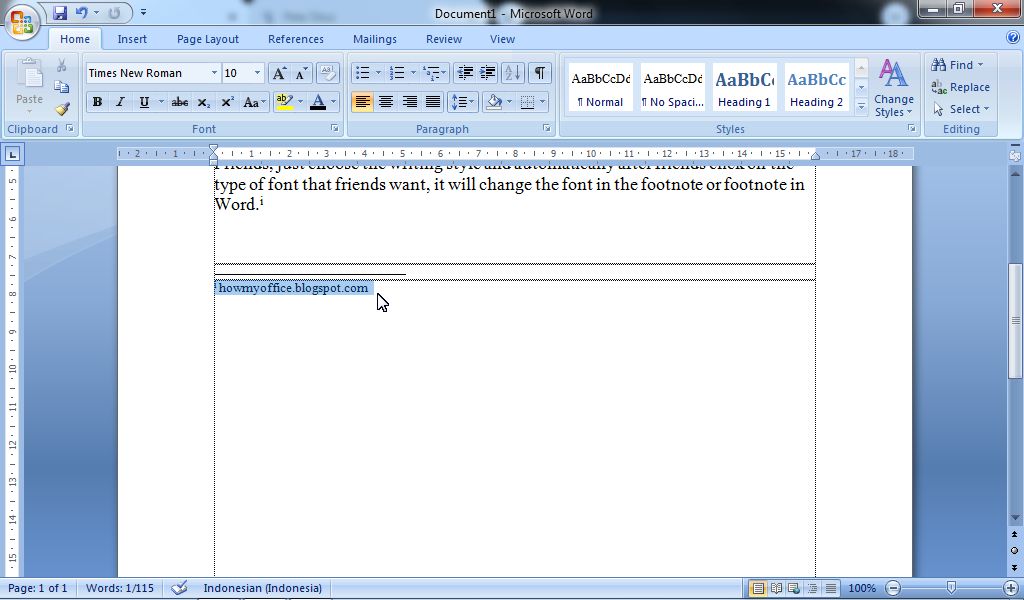
So, if you are wondering, can you change the footnote font? or how to change the footnote font type in word? I answered, the method is very easy and the method is the same as we change the font in writing as usual. Only mark or select the footnote that you want to change the type of writing, after that enter the Home menu then select the type of font or writing that you want to use in the Font Style. More Tutorials: How to Delete Text Box in Word How to Print on Microsoft Word 2007 How to Insert Portrait and Landscape in Same Word Document How to Convert Word 2010 to PDF How to Convert a Word 2007 Document to PDF Just choose the writing style and automatically after you click on the type of font that you want, it will change the font in the footnote or footnote in Word. More Tutorials: How to Move Word Files to Desktop Screen How to Write in Pictures in Word How to Align Page Numbers in a Word Table of Contents How to Make Diagonal Line in Word Tables How to Autorecover Settings...