Posts

How to Remove a Page Number From PowerPoint
Image
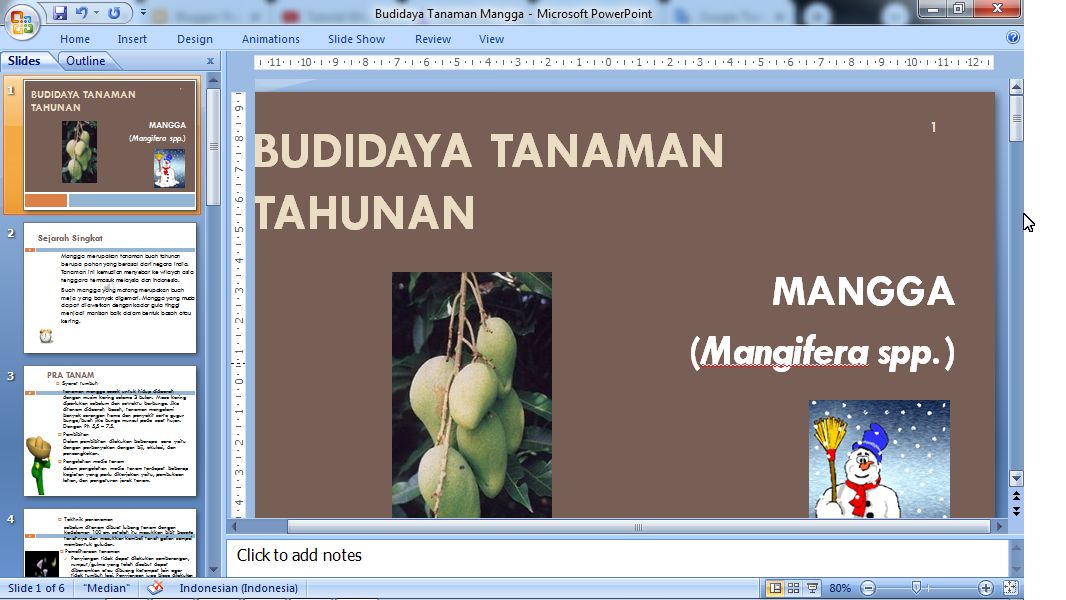
Actually the numbering of pages or slide numbers in PowerPoint is not so important compared to the numbering of pages in Word. However, with the number on the PowerPoint slide, we can find out how many slides we have opened when presenting it. However, to remove this slide number if it is already on the PowerPoint slide we have, the method is very easy. Enter the "Insert" menu, then select "Slide Number". Remove the checkmark in the "Slide Number" section then click "Apply to All" if you want to remove the page numbers on all slides, or select "Apply" if you want to remove only the slide numbers on the opened slide. More tutorials: How to Display Notes on PowerPoint How to Print Certain Slides in PowerPoint How to Show Thumbnails in PowerPoint How to Convert PowerPoint 2007 Slide to Picture

Mail Merging With Microsoft Excel and Word

Image
Friends, make a list of data in the form of names that will be entered into Microsoft Word, don't forget to put column headings in the table. We can make other data if needed, for example addresses or others. After everything has been made, friends, save it in place and close Excel. After that, open Microsoft Word and create a format that later we will enter the data in Excel into that format. Even better if the format or template has been provided beforehand. After that we enter the part to connect Excel and Word using Mailings. More Tutorials: How to Print on B5 Binder Paper How to Print One Big Picture on Multiple Pages How to Remove Table Lines in Word Without Using an Eraser How to Make Big Curly Brackets in Word How to Delete Page Number in Specific Page Enter the "Mailings" menu, then select "Select Recipients" and select "Use Existing List". Then a new "Select Data Source" window will appear, there, look for the Excel data that was cr...

How to Delete a Slide in PowerPoint

Image
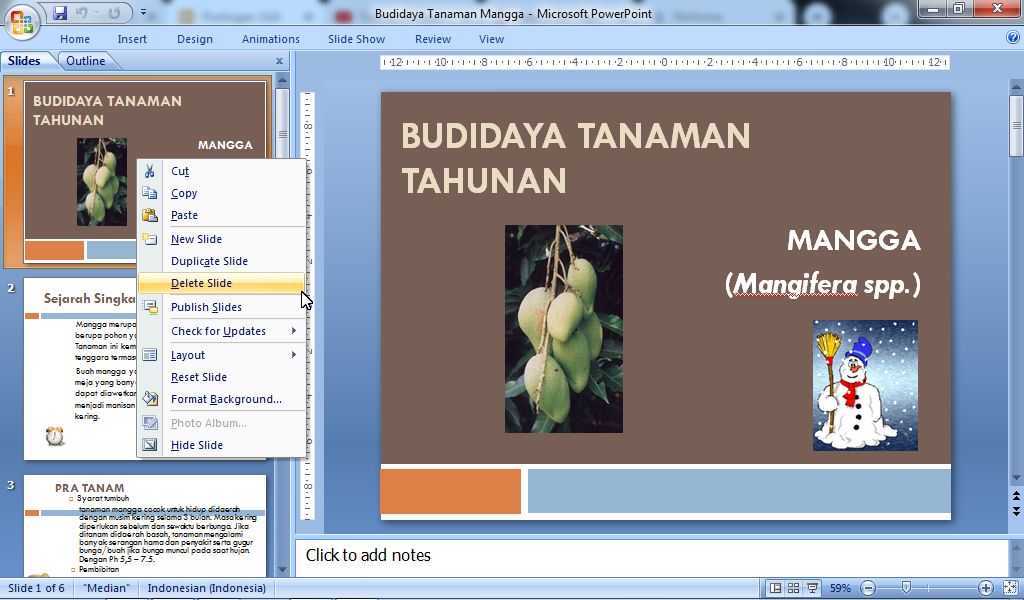
Maybe most of my friends already know how to delete PPT or Powerpoint slides, but maybe there are still many other friends who don't know about it so they get confused when deleting the wrong or unused slides. To delete the wrong or unnecessary PowerPoint slides, the method is very easy, first determine the slides to be deleted, the slides to be deleted can be seen on the slides on the left side of the PowerPoint screen. Then  right-click on the mouse on the slide you want to delete, after that select "Delete Slide". Now, the slide will be automatically deleted, if you are mistaken in deleting it, you can click "Undo" so that the deleted slide can reappear and you can delete the other slides they want. More tutorials: How to Display Notes on PowerPoint How to Print Certain Slides in PowerPoint How to Show Thumbnails in PowerPoint How to Convert PowerPoint 2007 Slide to Picture
How to Remove Text Border in Word

Image
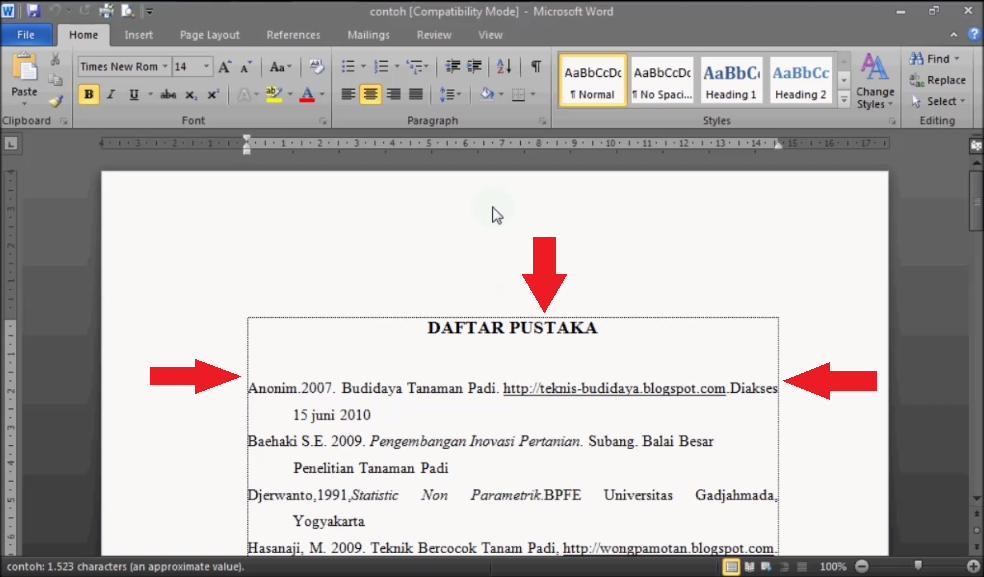
Text boundaries or text boundaries in Microsoft Office Word have functions that can help us work on word worksheets. One of its functions is to help us see the boundaries and size of the text on the top, bottom and sides. However, there are some people who feel disturbed by the existence of a text border on a Microsoft Office word worksheet. Therefore, in this tutorial post, I will provide a way to get rid of these lines. The method is very easy. More Tutorials: How to Print on B5 Binder Paper How to Print One Big Picture on Multiple Pages How to Remove Table Lines in Word Without Using an Eraser How to Make Big Curly Brackets in Word How to Delete Page Number in Specific Page First of all, open Microsoft Office Word, either version 2007 or version 2010. Then enter "Word Options" by using Word 2007, click "Office Button" and select Word Options. Meanwhile, if using word 2010, click "File" then select Options. After entering Word Options, select "Advan...